
Dit artikel is in het Engels geschreven. Hulp nodig bij dit onderwerp? Neem contact op.
After installing the October and November patches we experienced the following error:
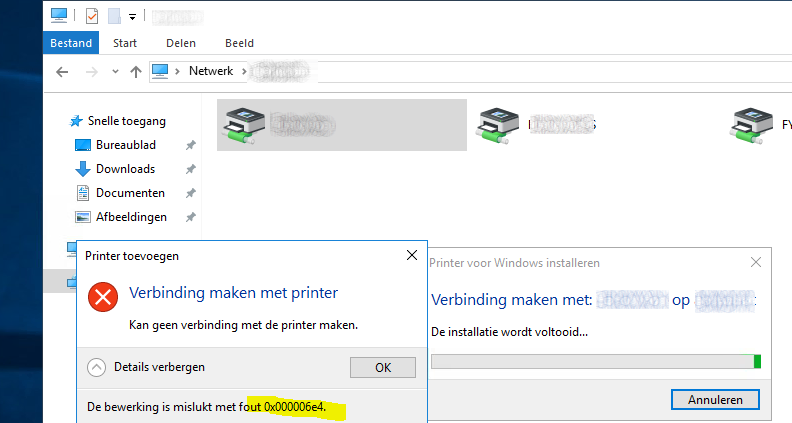
To fix this issue we tried all sorts of solutions, such as uncheck – apply – check and apply the client-side rendering on the print server for the affected printers. See the link where the cycle is explained: community.pharos.com
Sadly this did not do anything for us. After setting the GPO below on the client machines (Citrix VDA), our issue was gone in seconds! Weird that it is needed, as the printer was already set to spool on the client side. But as goes with Microsoft, sometimes illogical things fix issues.
See below the setting needed on our Citrix farm:
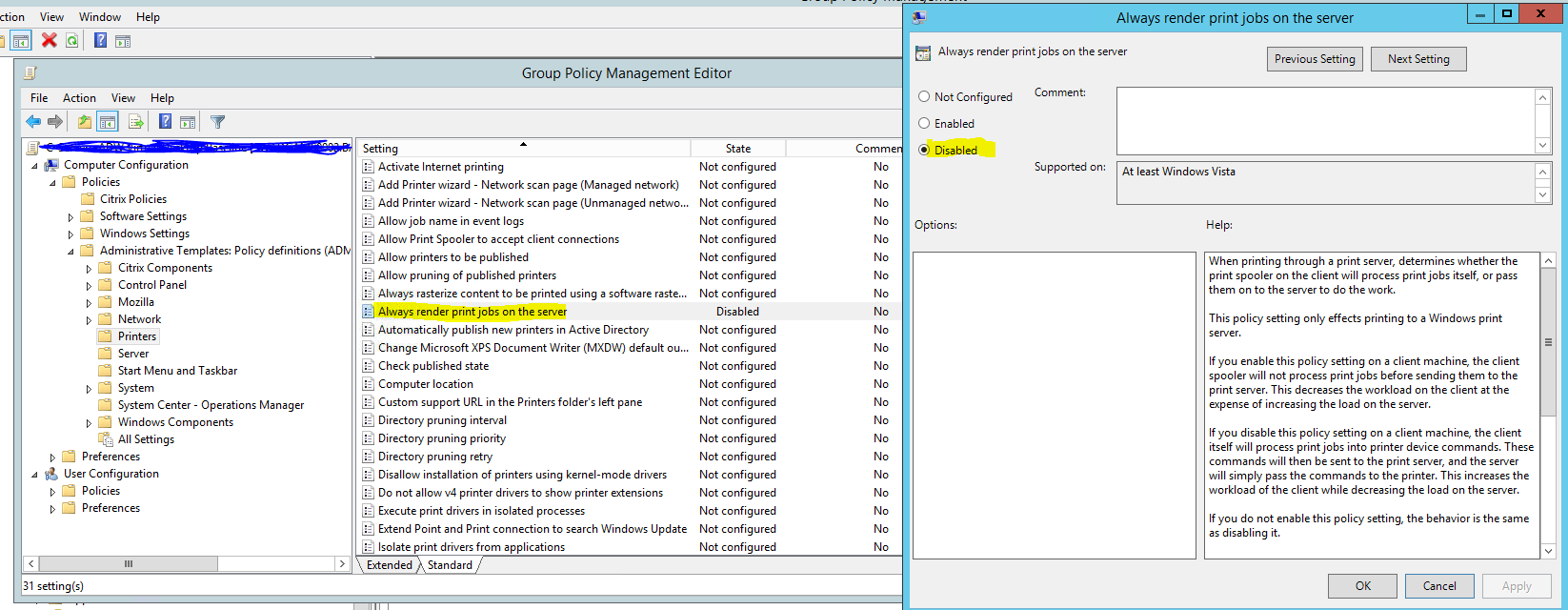
Computer Configuration → Policies → Administrative Templates → Printers → Always render print jobs on the server. Set this to Disabled on the Citrix VDA or client.