
Dit artikel is in het Engels geschreven. Hulp nodig bij dit onderwerp? Neem contact op.
During the administration of AVD I found it annoying that I wasn't able to quickly log off all disconnected users for a specific host pool. To overcome this issue I created a fairly simple script which asks you which host pool to check and then logs off all disconnected users. It assumes you are in the correct subscription and logged in.
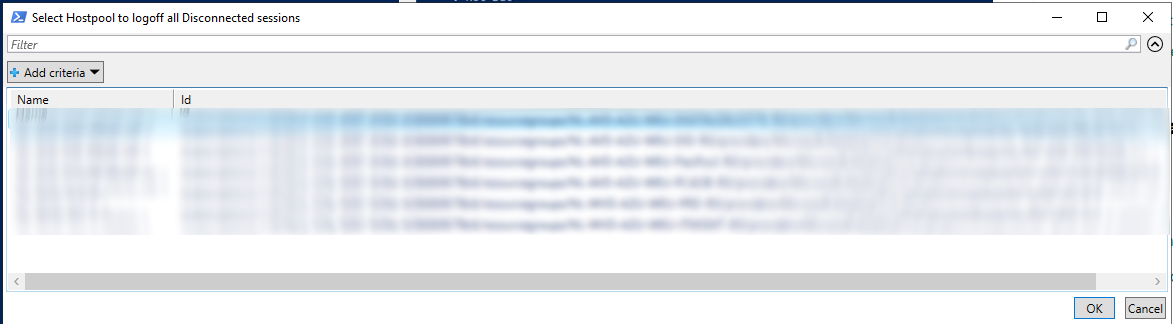
$ListOfHp = Get-AzWvdHostPool | Select Name,ID| Out-GridView -Title "Select Hostpool to logoff all Disconnected sessions" -OutputMode Single

if(!$ListOfHp){Write-Host "No Hostpool selected, exiting script...";start-sleep -seconds 10; Exit}

$HostpoolName = $ListOfHp.Name
$ResourceGroupName = $ListOfHp.Id.Split("/")[4]

$AllSessions = Get-AzWvdUserSession -HostPoolName $HostpoolName -ResourceGroupName $ResourceGroupName

ForEach ($Item in $AllSessions){if($item.SessionState -eq "Disconnected"){
Write-Host "Removing user's:" $Item.ActiveDirectoryUserName ", session from Sessionhost:" $item.Name.Split("/")[1]
Remove-AzWvdUserSession -HostPoolName $HostpoolName -ResourceGroupName $ResourceGroupName -Id $item.Name.Split("/")[2] -SessionHostName $item.Name.Split("/")[1]
}}

pause
See the screenshots below for what happens when you run the script.

The end result is that disconnected sessions are removed (logged off from the VM). You should not use the Disconnect command, see the following blog: techgenix.com/logging-off-and-removing-wvd-user-sessions
Let's hope Microsoft will add something similar soon to overcome this issue.